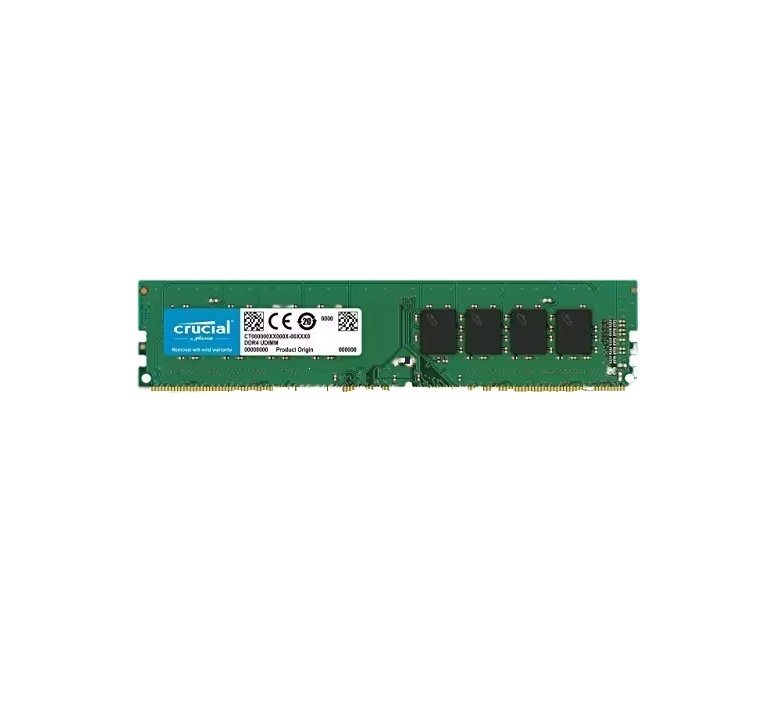
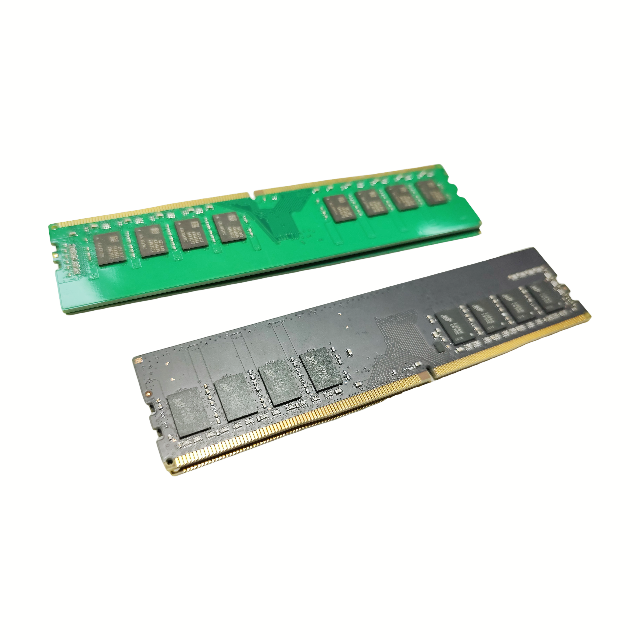
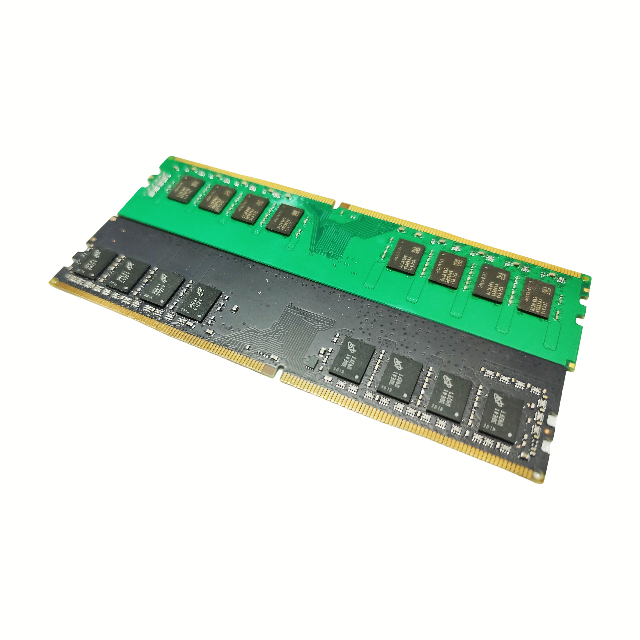
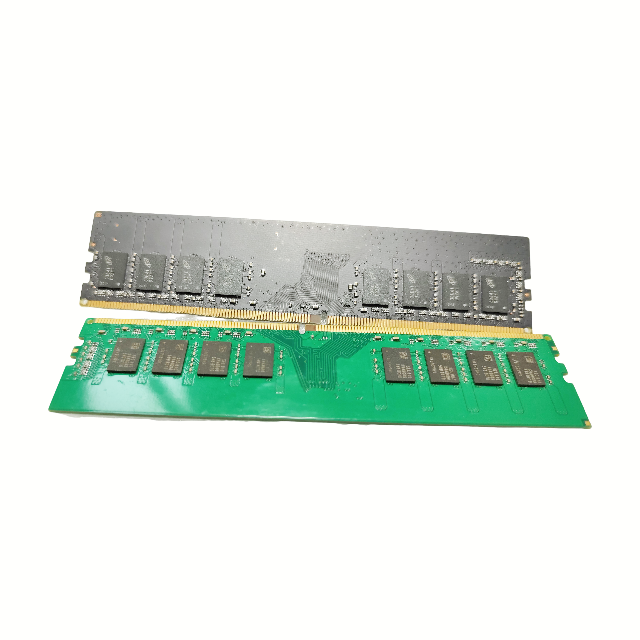
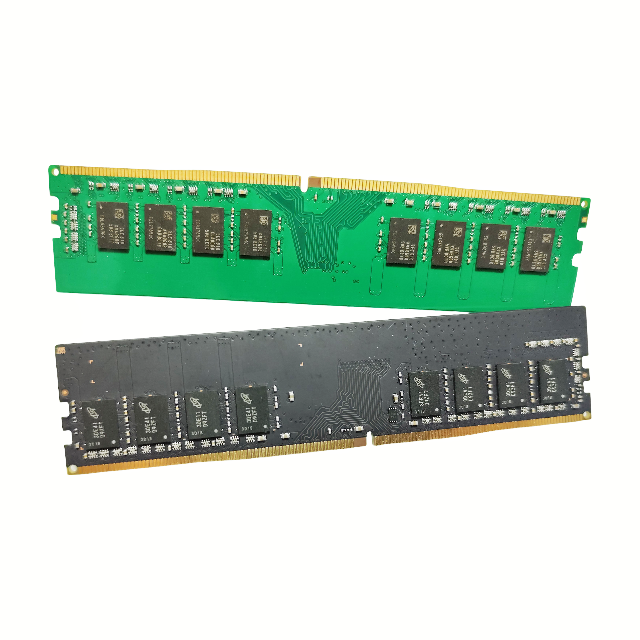
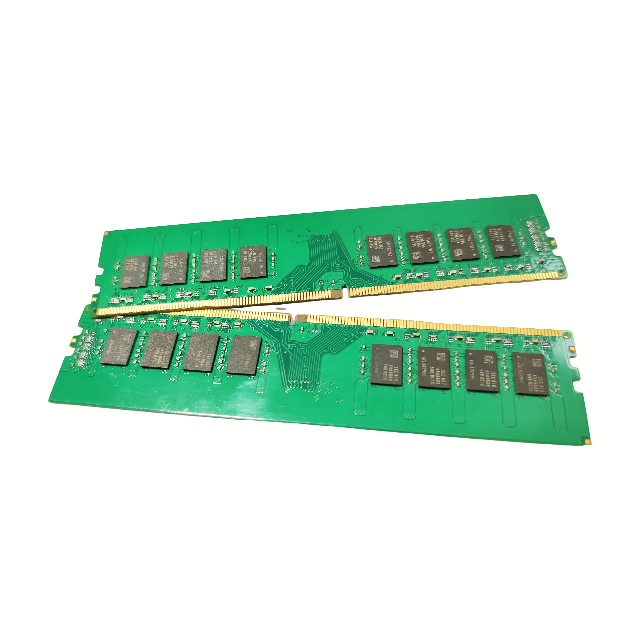
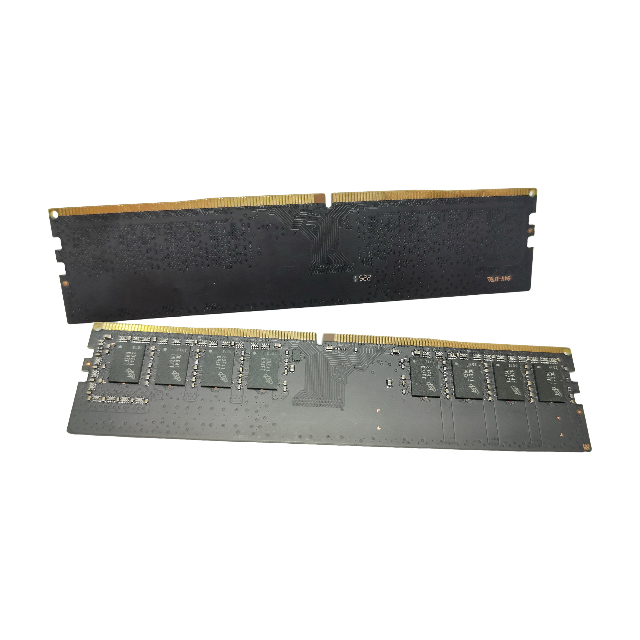
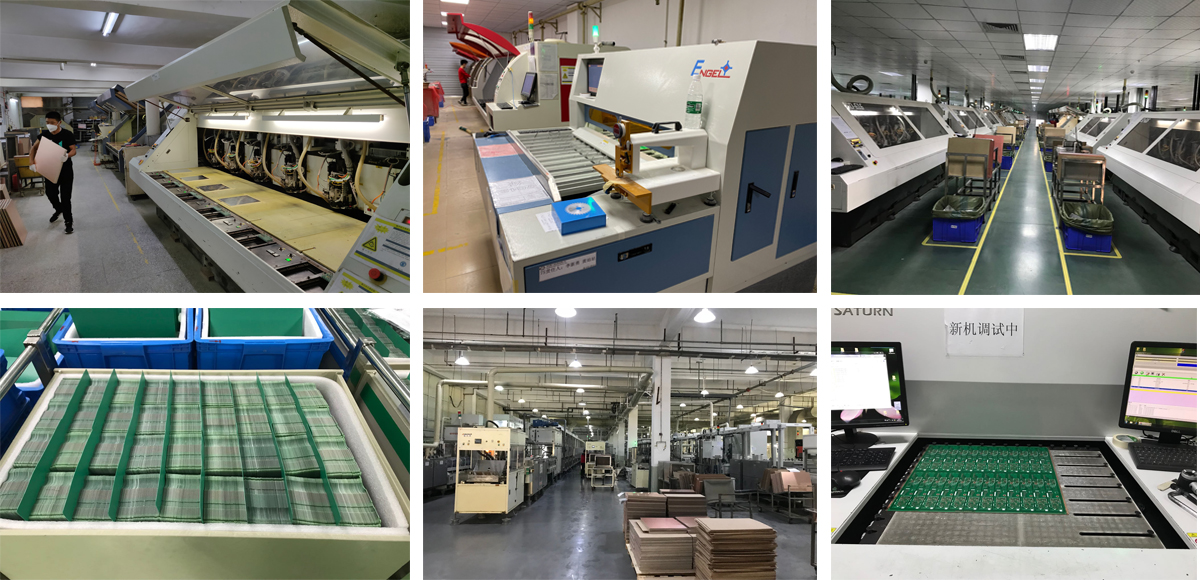
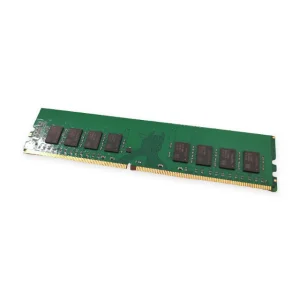
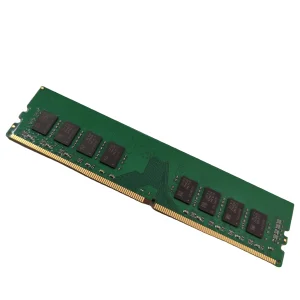
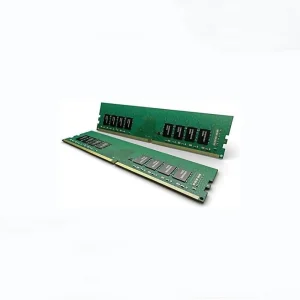
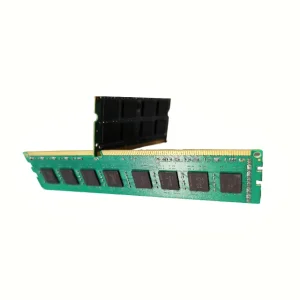
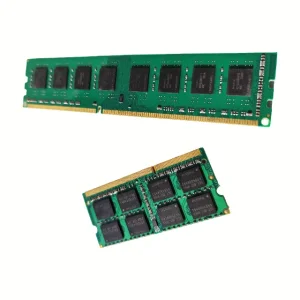
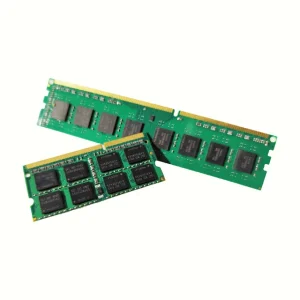
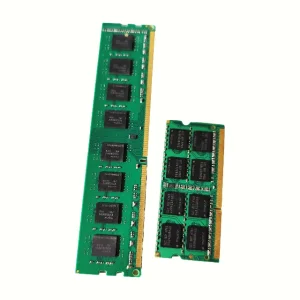
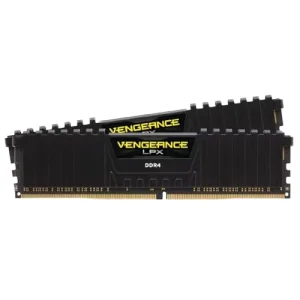
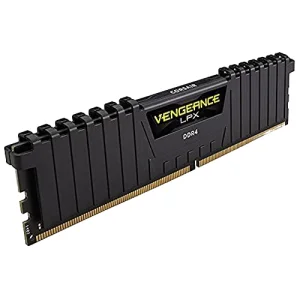
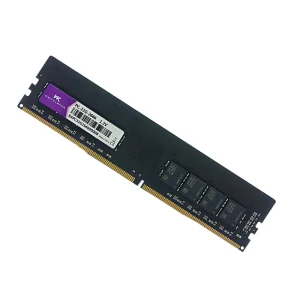
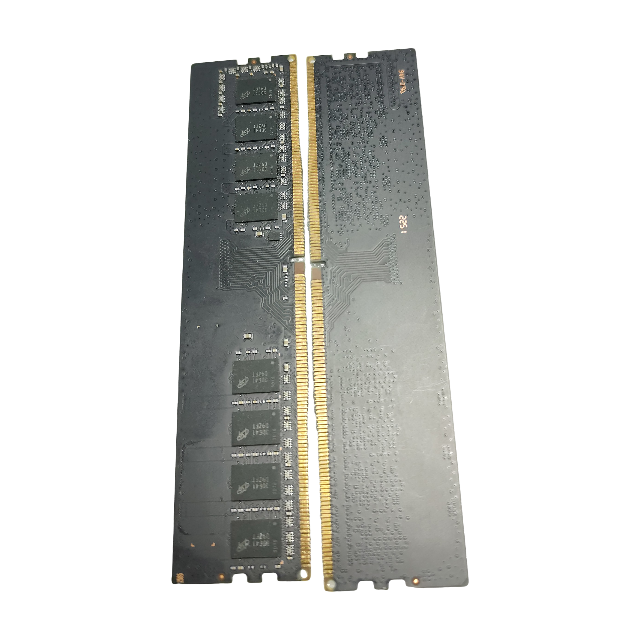
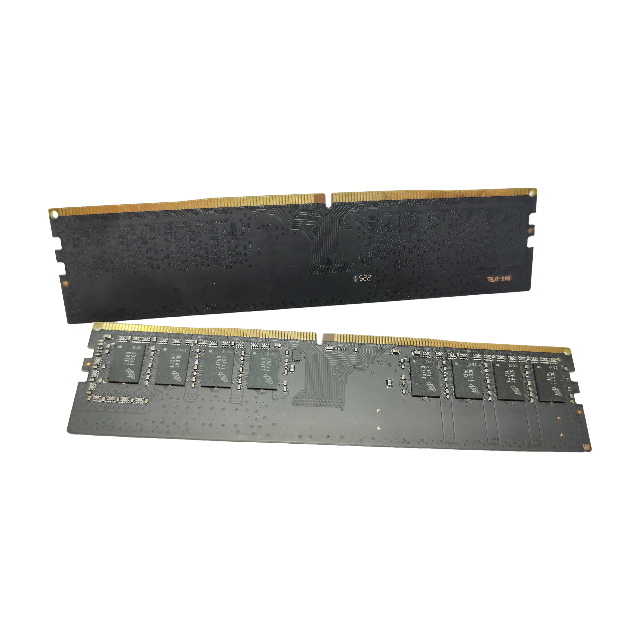
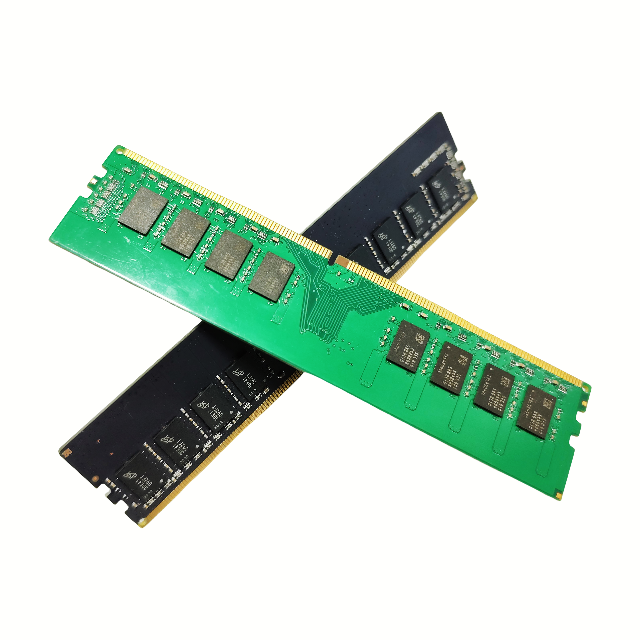
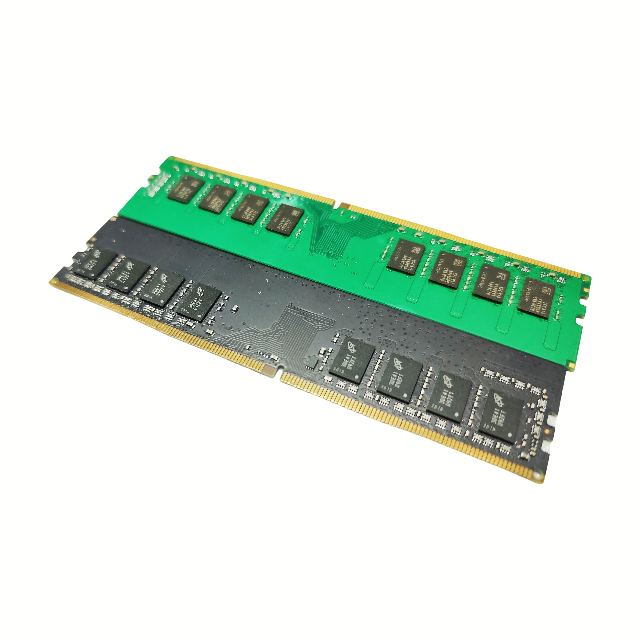
Our DRAM module products are designed for high performance and reliability. By utilizing advanced manufacturing processes and strict quality control standards, we ensure that every unit delivers optimal speed and stability for the OEM market. These modules are compatible with various electronic consumer devices and provide efficient memory solutions for demanding computing tasks.
Is this memory module compatible with all laptops?
This DDR4 memory module is designed for standard notebook slots. Please check your laptop's manual or system specifications to ensure your device supports DDR4 technology and the specific capacity.
How do I install the memory module?
Installation is generally straightforward. Turn off your laptop, remove the battery (if possible), open the memory compartment, align the notch on the memory module with the slot, and press down firmly until the clips lock it into place.
Will this improve my laptop's speed?
Yes, upgrading your RAM is one of the most effective ways to improve system responsiveness, especially if you multitask or use memory-intensive applications.
Can I mix this with my existing RAM?
While it is possible to mix RAM, for the best performance and stability, it is highly recommended to use modules with identical specifications, including speed, latency, and capacity.
Is this DDR4 module backward compatible with DDR3?
No, DDR4 memory is not backward compatible with DDR3 slots due to different physical pin layouts and voltage requirements. Please ensure your motherboard supports DDR4.
What should I do if the memory is not detected?
First, ensure the module is fully inserted and the clips are locked. If it still isn't detected, try cleaning the gold contacts gently with an eraser, or try inserting it into a different memory slot if available.
 NexaRAM