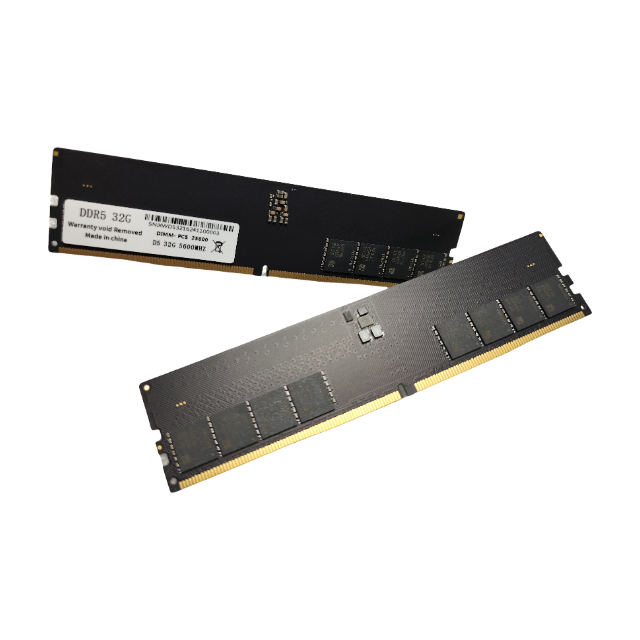
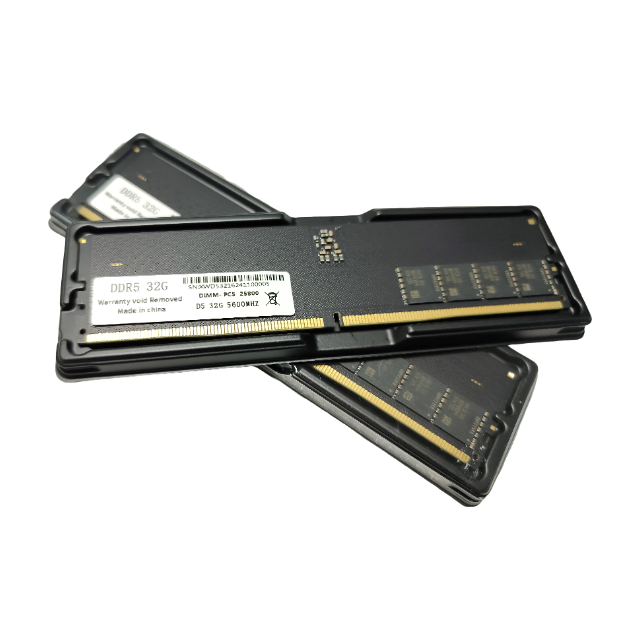
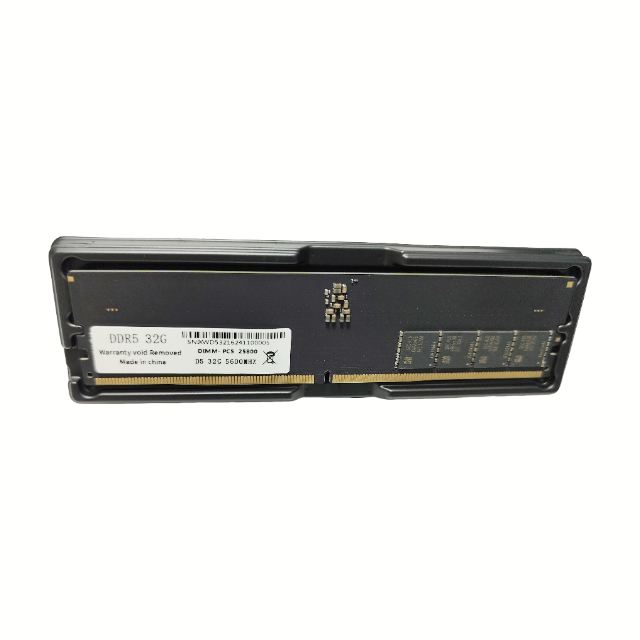
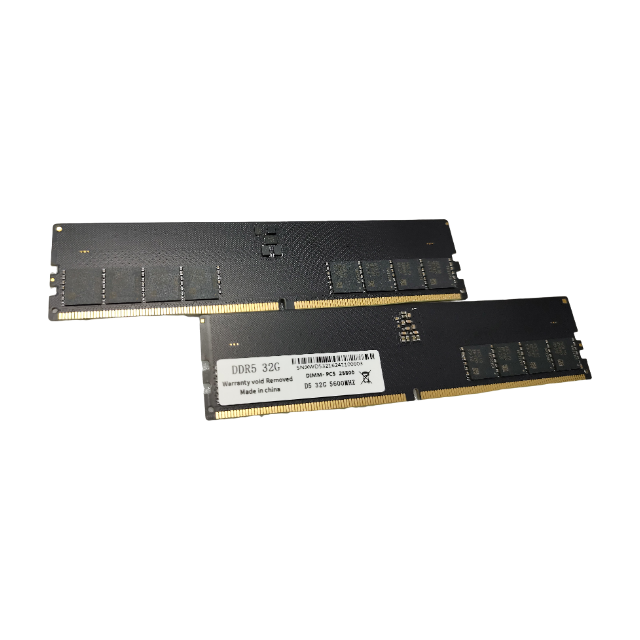
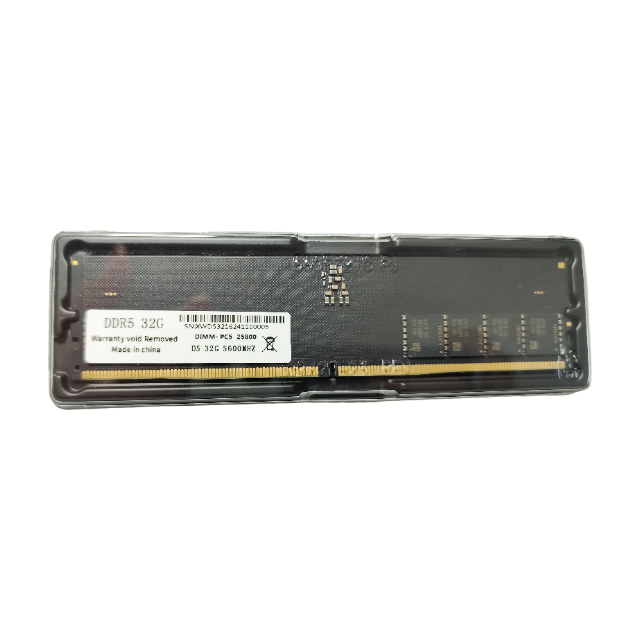
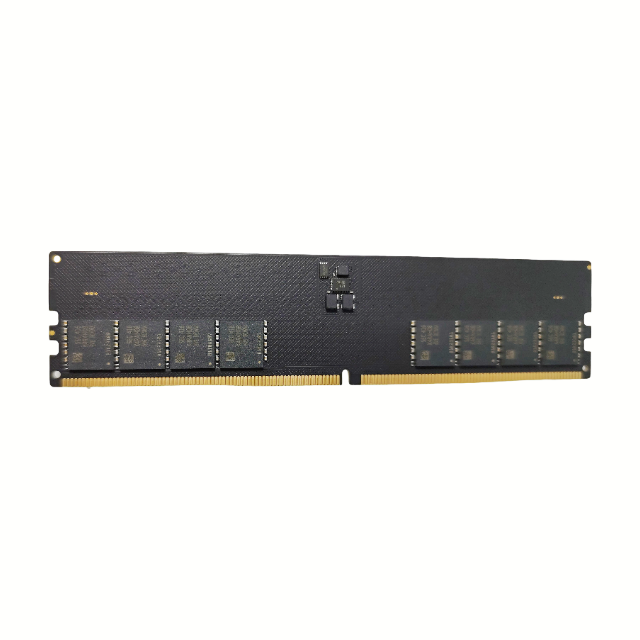
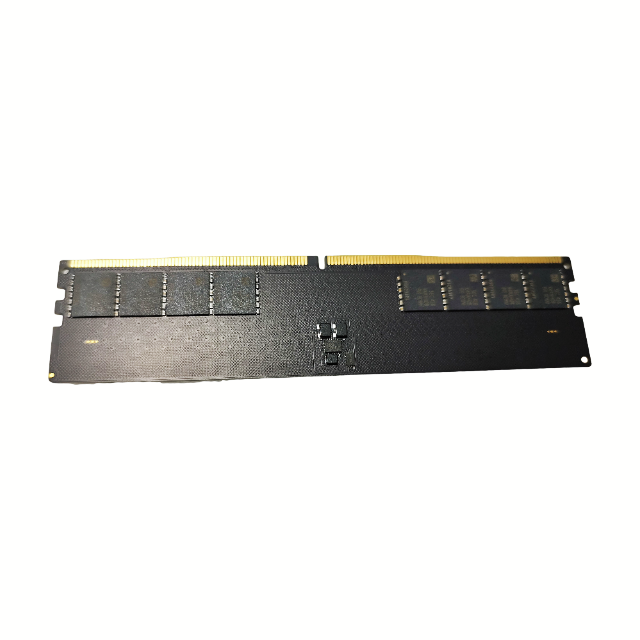
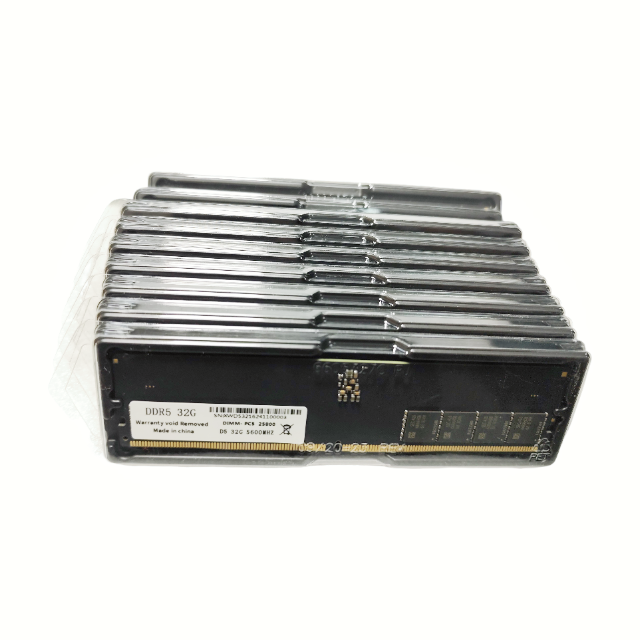
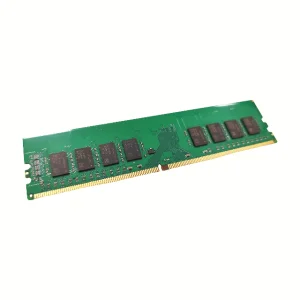
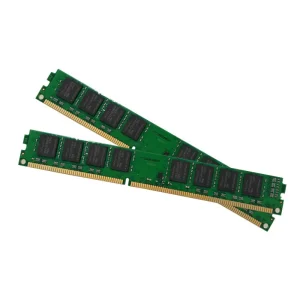
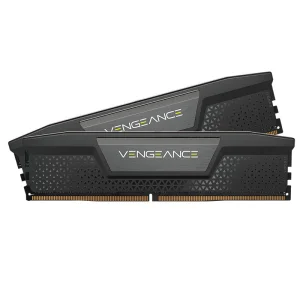
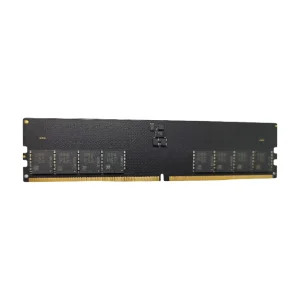
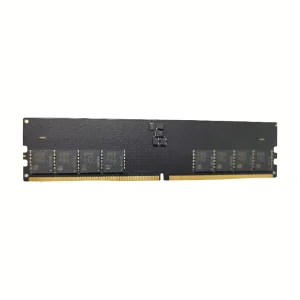
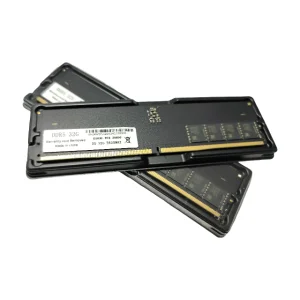
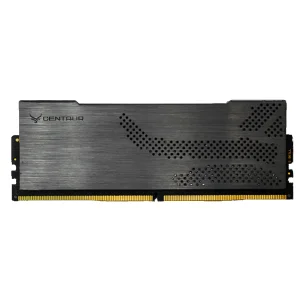
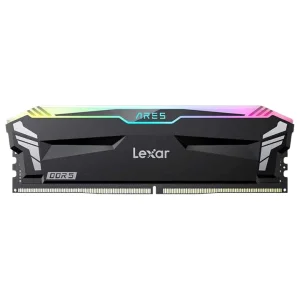
Q1: Is this DDR5 32GB memory module compatible with my laptop?
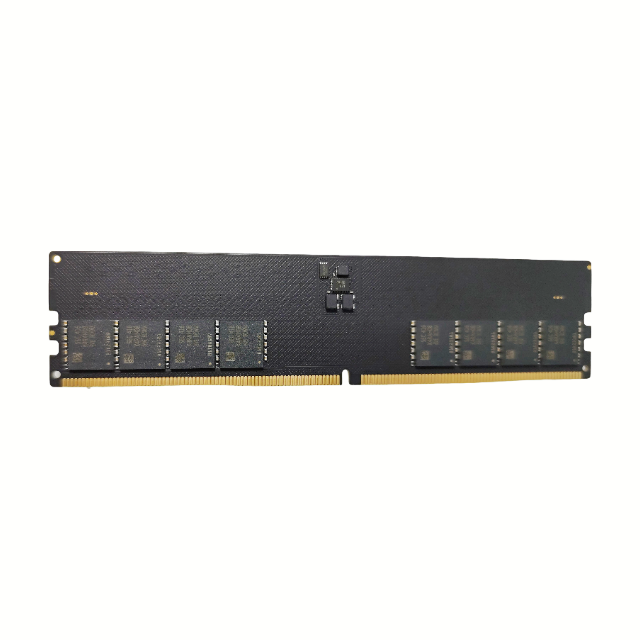
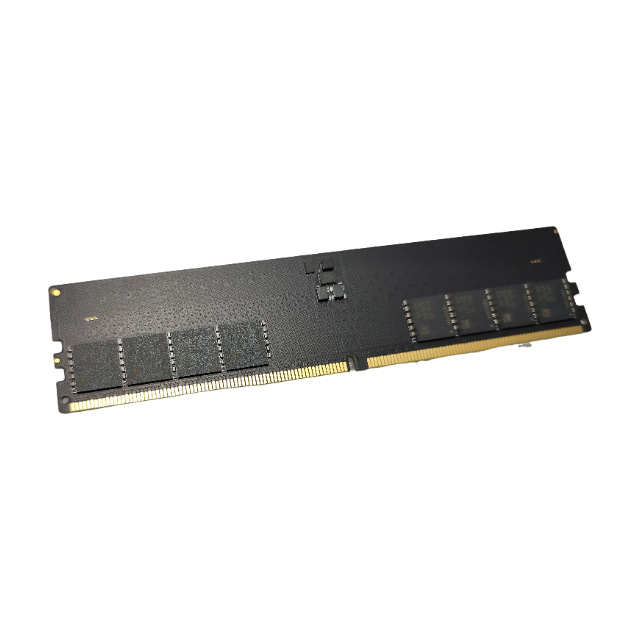
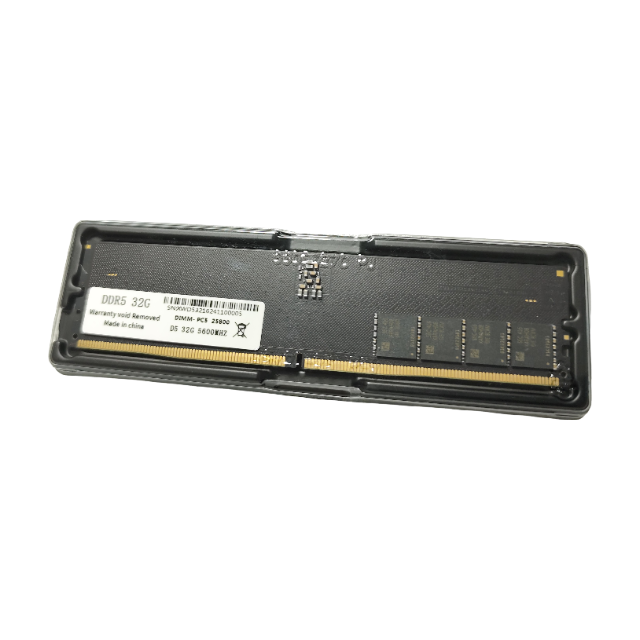
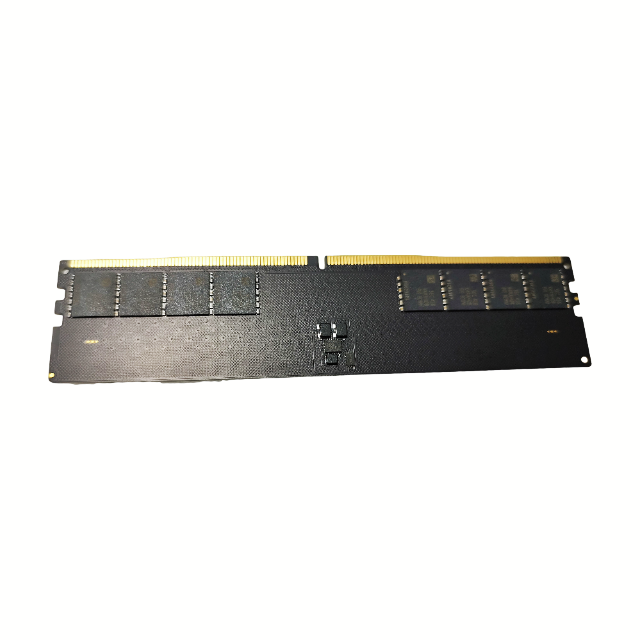
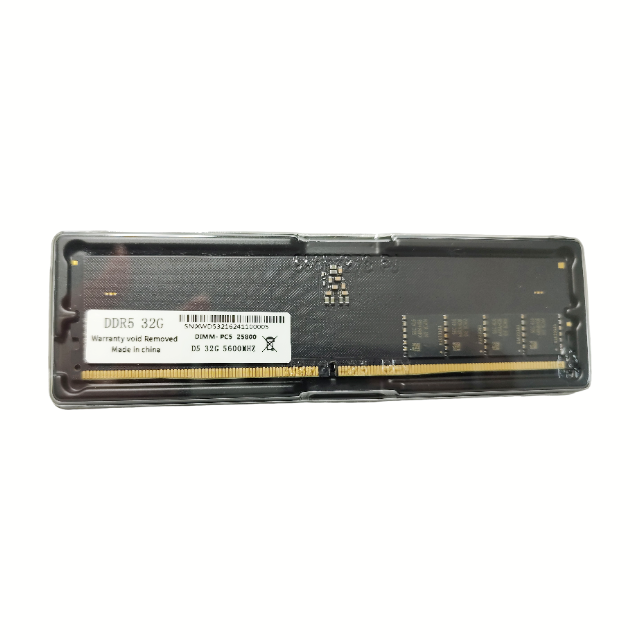
This DDR5 laptop memory is compatible with notebooks that support DDR5 SO-DIMM slots. Please check your notebook processor and system specifications to verify maximum supported capacity and speed before purchasing.
Q2: Can I mix DDR4 and DDR5 memory modules in the same laptop?
No, DDR5 memory modules utilize a different pin layout and key notch position compared to DDR4, meaning they are physically incompatible and cannot be mixed in the same system slots.
Q3: What are the benefits of upgrading to DDR5 notebook memory?
DDR5 features higher bandwidth, faster data transfer rates, lower power consumption, and built-in on-die ECC (Error Correcting Code) for improved stability compared to previous memory generations.
Q4: How does a single 32GB module compare to two 16GB modules?
A single 32GB module leaves slot space open for future upgrades. However, installing two modules enables dual-channel memory configuration, which can optimize overall data throughput.
Q5: Do I need to configure software or BIOS settings after installing this memory?
In most cases, the system BIOS will automatically detect the new memory configuration and run it at compatible speeds. There is typically no manual setup required.
 NexaRAM